Showing posts with label Firestorm. Show all posts

Wednesday, February 23, 2022

360° Snapshot At Firestorm Viewer

 
By Marcel Mosswood

I was very excited when I got the chance to try out Firestorm preview 65562 (future release) which one of the advantages is the 360° Snapshot. This Firestorm feature can make 360° snapshots like a 360° camera in real life. The result is really good!

People often compare 360° photos with videos, they think that 360° photos are nothing special because it is better to watch videos than 360° photos. In fact, 360° photos have many advantages over ordinary videos, especially if they are used for content marketing because of their immersive nature. With 360° photos, you can watch in any direction and point the screen in any direction you like.

Prior to this version, the 360° snapshot version can be enjoyed in the Firestorm VR Mod version 6.5.3, while this version 65562 is not a VR Mod version and is still a preview, at the time I’m writing this article, it is not yet available on the official Firestorm website, maybe it will be available soon.

This is the result of a 360° Snapshot I made in Imagiland, my region on OSGrid 
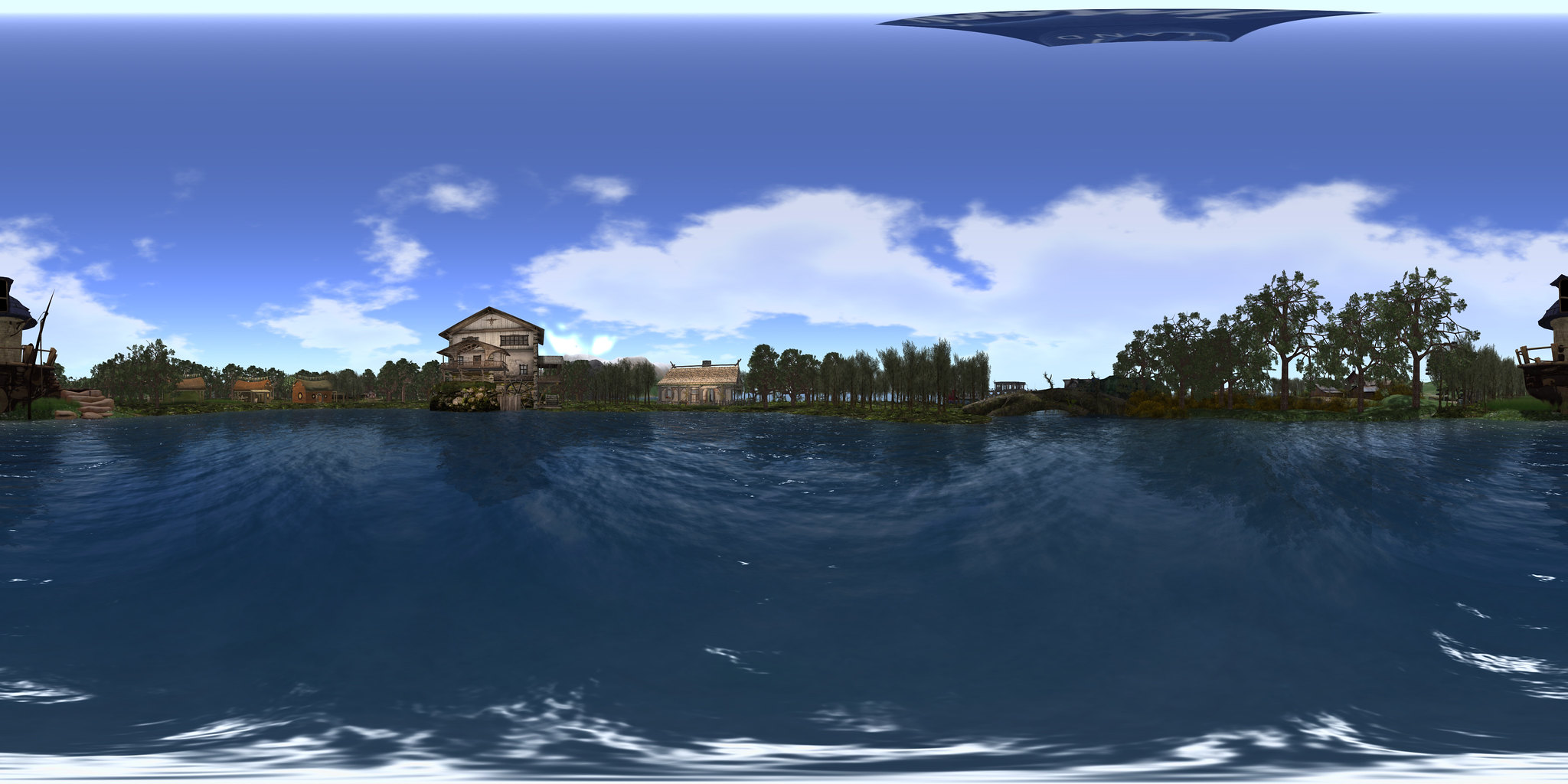
 

Snapshot 360 at Imagiland

Making a 360° snapshot in Firestorm 65562 is very easy. First, make sure the graphic settings on your Firestorm are ultra so that the results will be satisfactory.

Click on the snapshot icon, then click the “Take 360° Snapshot” button at the bottom right


Then select the desired quality. My advice is don't hesitate to choose the Maximum one so that the resulting image is good. You can also check “Hide all avatars” so that the avatars don't appear in the photo. But if you want to show the avatar(s), don't check this box. Then click on “Create 360° Image”, and then click on “Save as” to save the snapshot on your hard disk.

After that, you can upload it on Flickr, Google Photos, or Facebook to share your snapshot with friends. Hopefully, in the near future, this Firestorm will be available for Second Life.

Marcel Mosswood


Wednesday, October 27, 2021

Firestorm Sale

 
By Gemma Cleanslate


Well, this weekend I have a bit of time to do some roaming. Some for Halloween, and some for shopping. I went shopping for a purpose. Firestorm , my favorite viewer is raising money to continue the project. Jessica Lyon, project manager put out this plea.

“It’s been 3 years since our last fund raiser and I really hate asking for help again! Really really! But we do incur significant expenses with server hosting, licensing fees, in world costs etc. Our average yearly operating costs are around $7000. Among other things this includes our KDU license, monthly server hosting fees, region tier costs for our community gateway / new user retention efforts and various in world expenses like paying for performers at events we host for you guys. While we do generate some revenue from the annoying ads on our website, it isn’t quite enough to keep us going. So from time to time we will do a fund raiser like this one to help balance the books for the next year or 3.”


Three years is a long time without such an event so I went over to the sandbox to see what they have. Wow! Gachas may be gone, but the individual items were everywhere. If you need something inexpensive for your inventory go! Items ranged from clothing to furniture, decor for your home,  cars, trucks , camping items , beach decor, and on and on! The prices were great. I spent many lindens and grabbed a bunch of stuff I can use... sometime ... somewhere ...( I hope) .
I almost forgot !! You must take your purchase after you pay.


 I looked for my new Camper Bus  and it was not in my inventory.. then I remembered. I had to go into my account to look for the items I had paid for . Then I had to go back and find them. Thank goodness for the search area ! I was able to find all my items and go back to get them.

I saw a sign saying there will be more items coming .

 
 I recommend you get over there and get some booty!

http://maps.secondlife.com/secondlife/Firestorm%20Sandbox/72/189/2702

Gemma Cleanslate
 

Thursday, December 4, 2014

Firestorm: A First Look at a Third-Party Viewer for Second Life


By Wesley Regenbogen
Many new users usually use the Second Life Viewer from Linden Lab after they signed up. I myself used it for many, many, many years used the standard Second Life Viewer from Linden Lab. But a few days ago, I downloaded and installed FireStorm Viewer. This is the most popular of the alternative, or third-party, viewers.
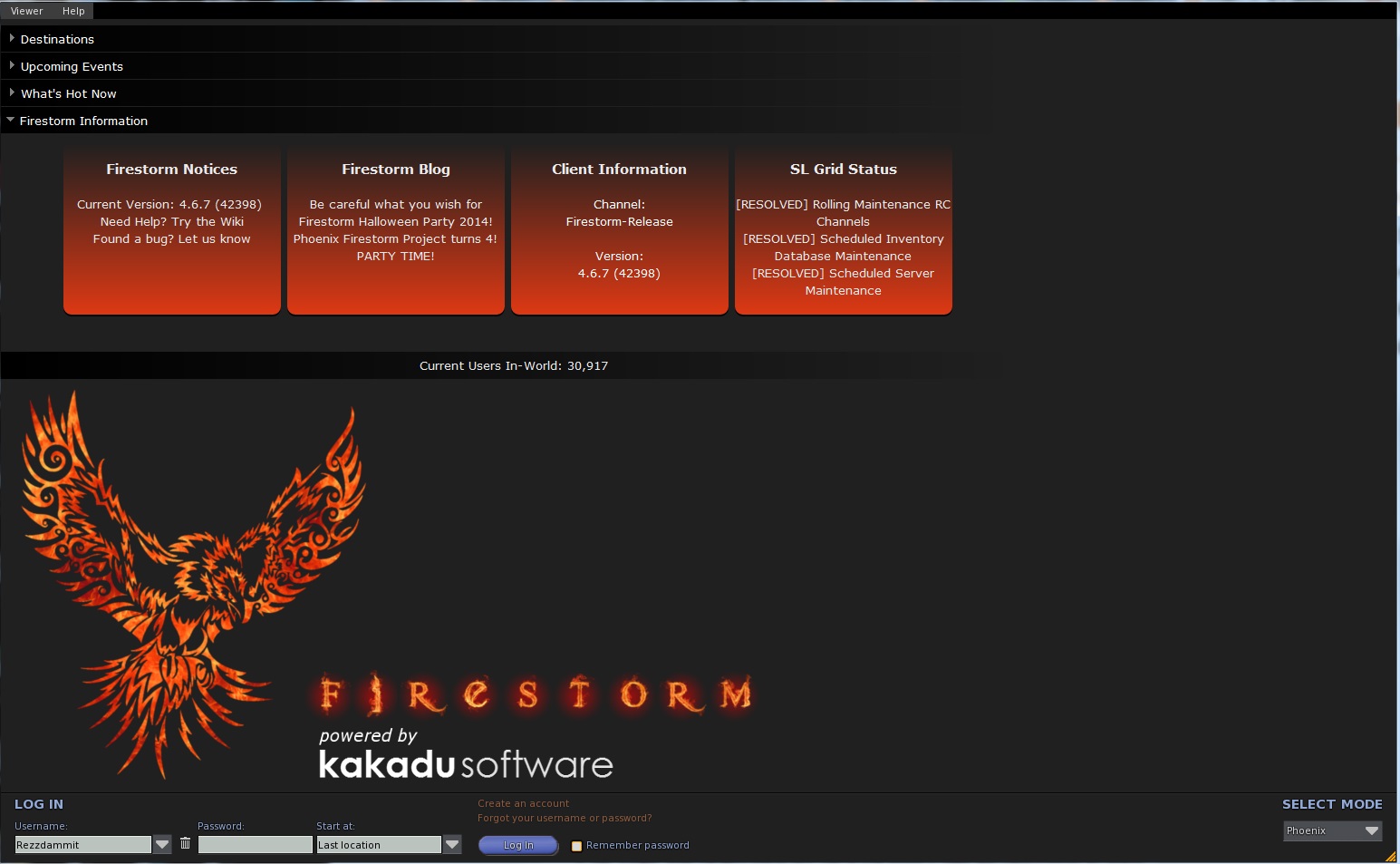
The installation process is painless (read : very easy) and the first time you run it, you get a login screen like you had with the Second Life Viewer, but there’s a difference, you can change the mode of FireStorm Viewer. You can go into : FireStorm, Phoenix, Viewer 3, Hybrid and Latency. I have only tested two modes: FireStorm and Phoenix mode. Both work smoothly.
The Standard Viewer uses the “Pie menu”, like it was used in older Second Life Viewers. Personally, I turned that option off, because I didn’t like the “Pie menu” that much. But you can leave it turned on, if you wish, of course. It’s a user preference thing, you know.
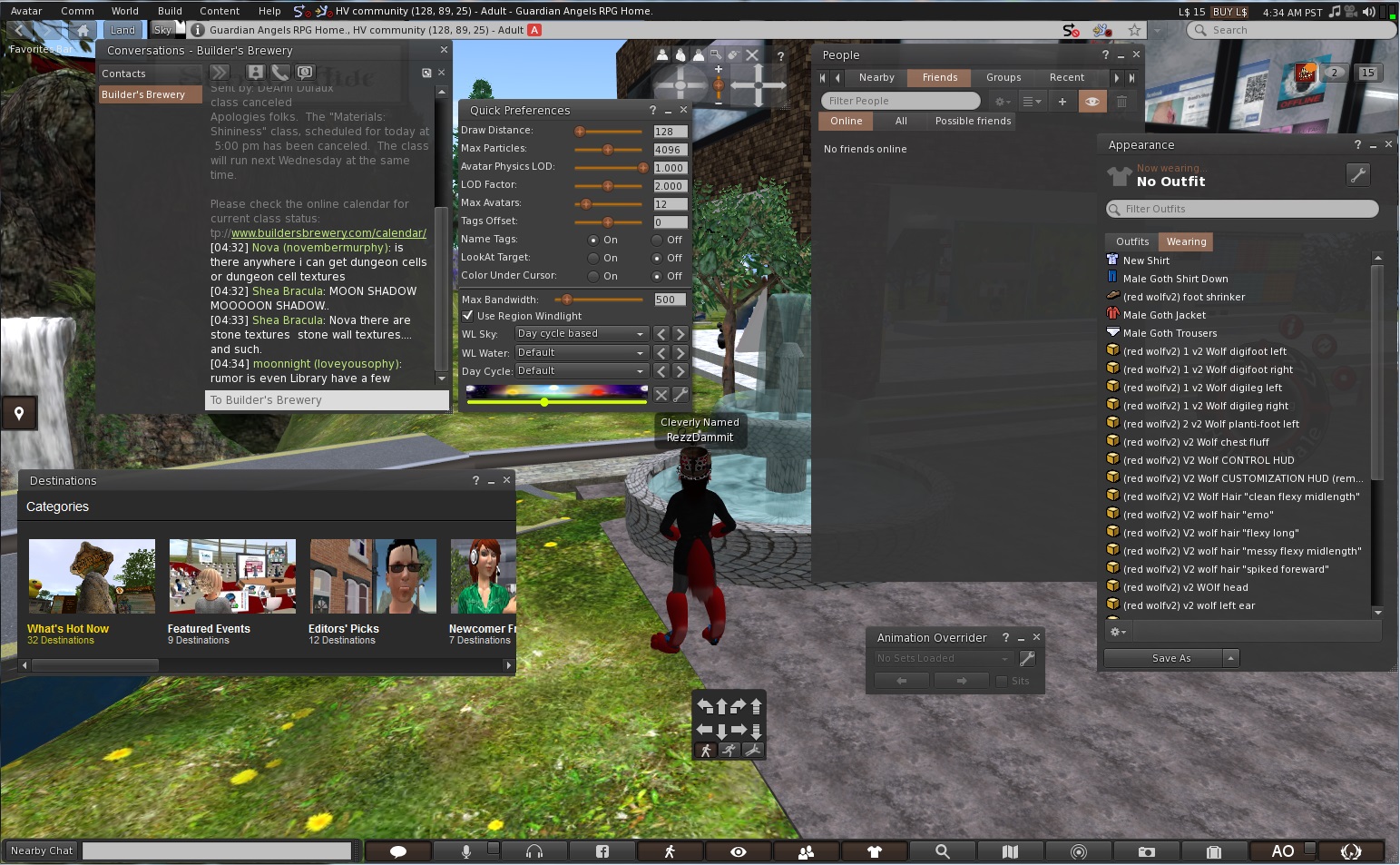
You can also choose other worlds to view as well : InWorldz and many others, which I don’t really know about. But we are on Second Life, so I suggest to leave it set for here. Once logged in into Second Life you will notice the HUD of the Viewer is totally different if you're used to the Linden Lab Second Life Viewer. But don’t panic or be afraid, you will get used to it sooner or later.
You will see buttons at the bottom of your screen, you can change them if you wish with things you use the most. At the left of those buttons, you will see a field to type in your text in Nearby Chat. But you can also click the text balloon icon and chat from there, it will open a small window called “Nearby Chat’.
So, you see FireStorm Viewer has much more ways to use different features.
At the left of your screen you will see an icon : if you click that it will open the “Destinations” windows where you can choose from the list to view other places.
As mentioned earlier, there are buttons at the bottom of the Viewer screen ( here’s a little explaination of the icons. I will only review the most used by most residents ) :
  • The “briefcase” icon, will open your inventory.
  • The “Search” icon, will open Second Life Search.
  • The “map” icon will give you a map according to where you are in Second Life now
  • The “minimap” icon, will show a minimap of the surrounding areas you are currently in.
  • The “People” icon, will allow you to view who of your friends is online and which residents are nearby and also you can access your groups here.
  • The “eye” icon, let’s you control the camera options and adjust the camera around your avatar.
  • The “microphone” icon, will let you speak with your microphone in-world.
  • The “headphones” icon, will let you hear voices nearby and let you morph your voice and things like that.
  • The “Facebook” icon, obviously let’s you share things on Facebook.

You are able to change the icons that you want to be placed at the bottom of the GUI.

In my personal opinion, this is much better than Linden Lab’s Second Life Viewer. More options, more privacy protection and more customizable.

More information about FireStorm Viewer can be found at :http://www.firestormviewer.org/
If you decide to use this Viewer, have fun with it !
 
Wesley Regenbogen